


Page 9 - EBook หนังสือเรียน Scale-Up Reading & Writing 3
P. 9
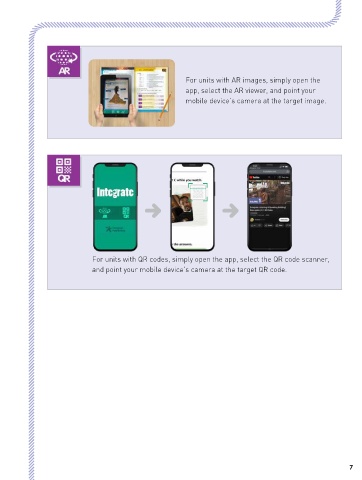
For units with AR images, simply open the
                                                              app, select the AR viewer, and point your
                                                              mobile device’s camera at the target image.


                               For units with QR codes, simply open the app, select the QR code scanner,
                               and point your mobile device’s camera at the target QR code.


 6                                                                                                                  7

